- Developer
- ML Forest LLC
- Installs
- 10+
- Downloads
- 0
- Views
- 2
- Updated
- Oct 16, 2026
Screenshots
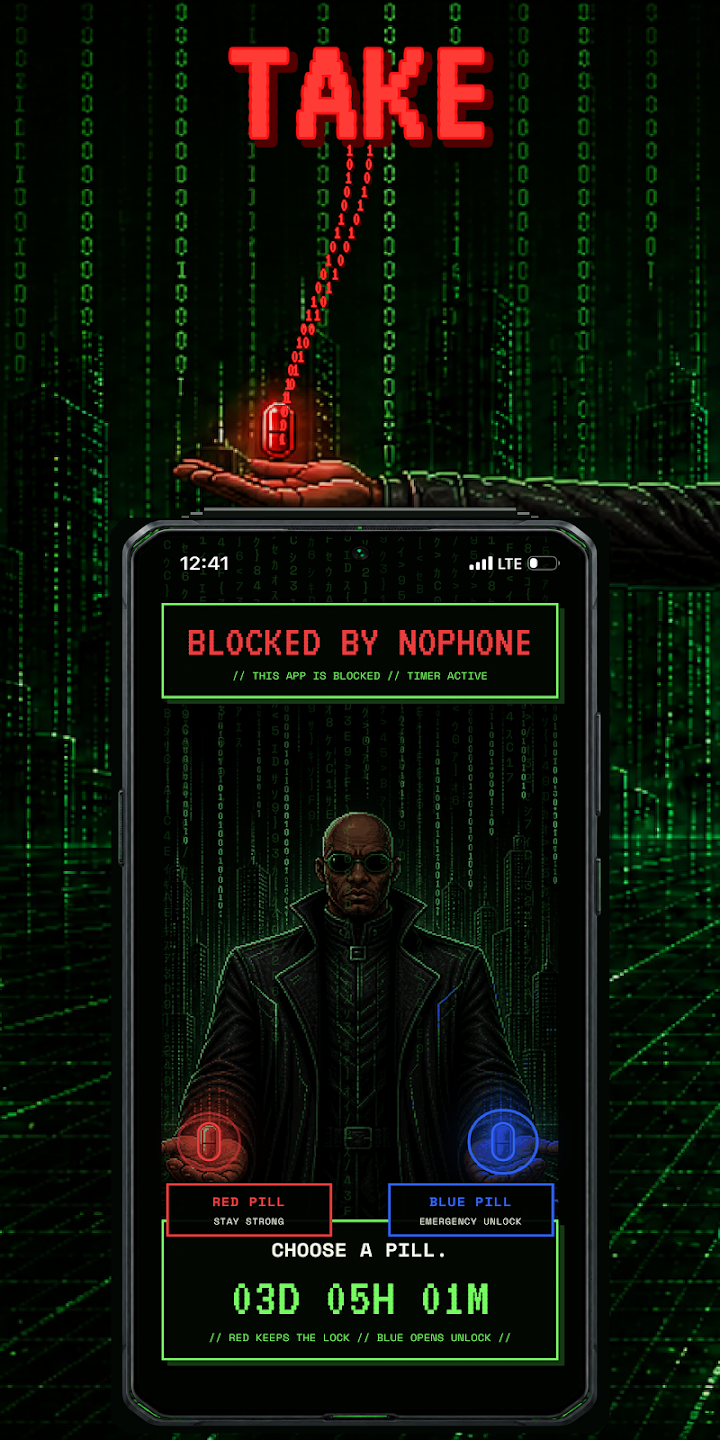
About NoPhone: Site & App Blocker
Take back your time with commitments you make before distraction takes over.
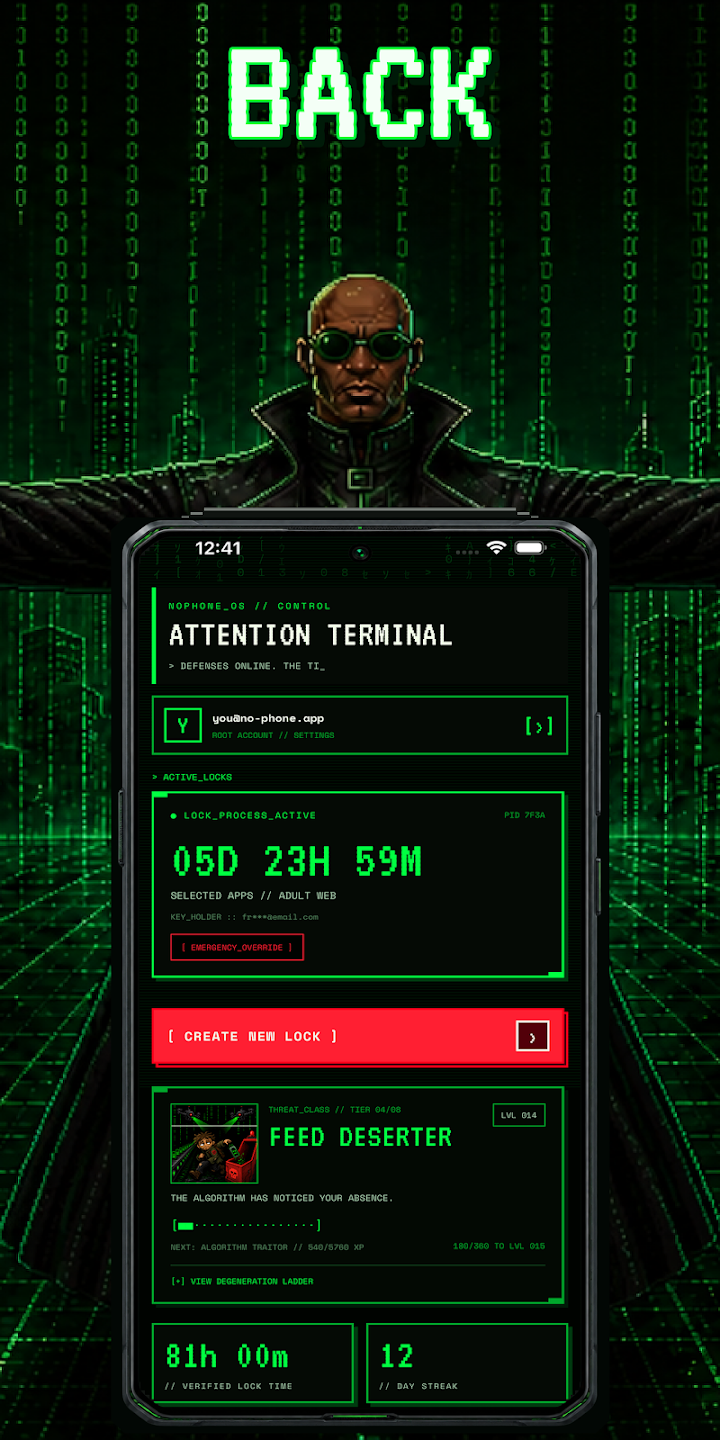
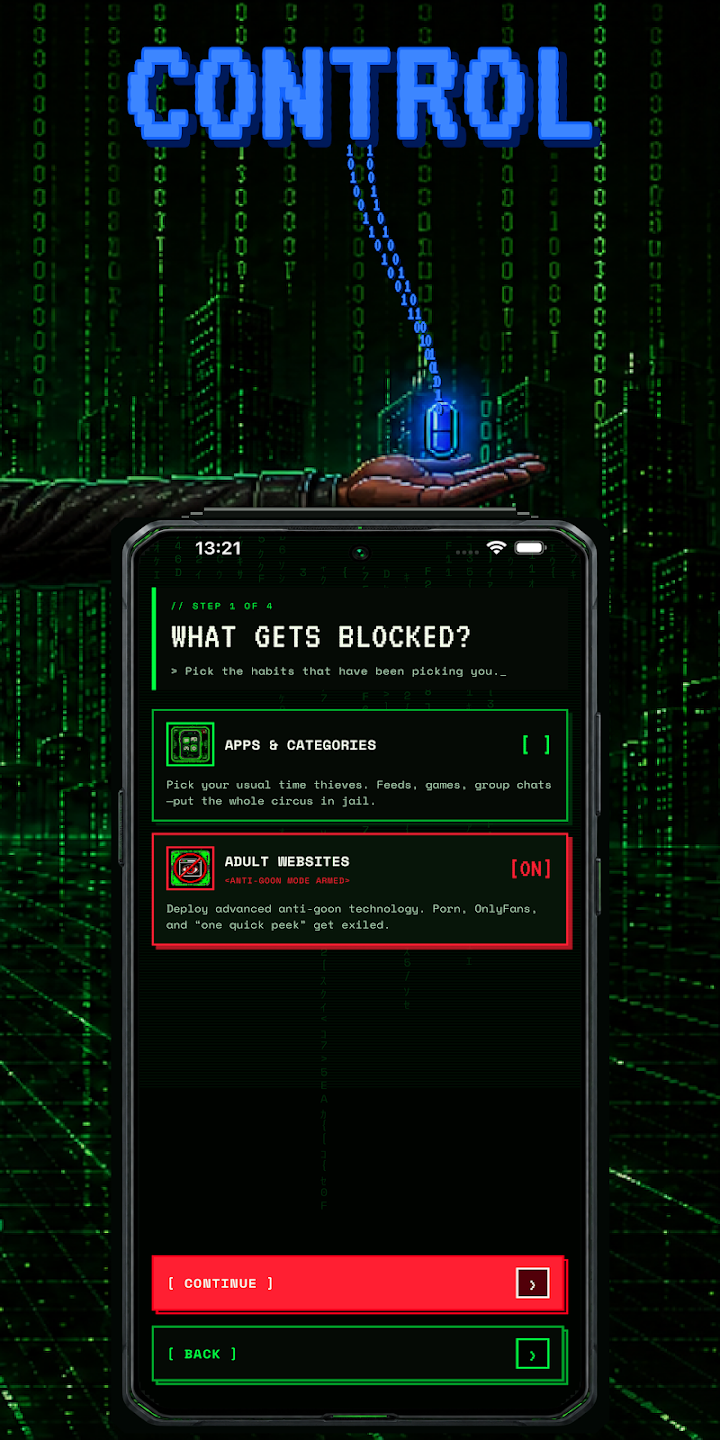
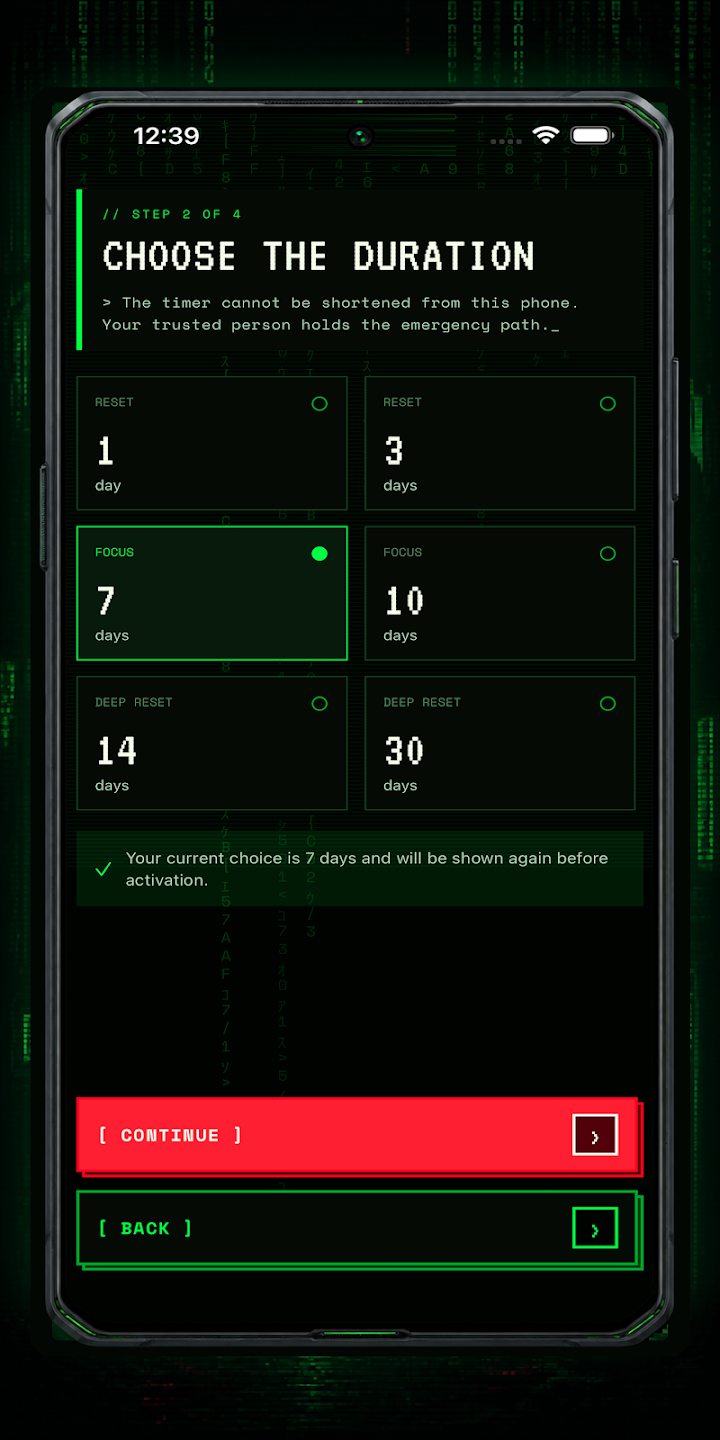
NoPhone helps you block distracting apps and reduce access to unwanted websites for a duration you choose. Select what pulls you in, set a timer, send an emergency key to someone you trust, and activate your lock.
WHAT YOU CAN DO
- Block installed apps you choose
- Block categories of distracting apps
- Filter unwanted websites and enforce SafeSearch during a lock
- Set a lock duration before activation
- Send an emergency unlock key to a trusted contact
- Track streaks, reclaimed time, and progress levels
- Increase text size or reduce visual effects
TIMED COMMITMENTS
Create a lock for the period you choose. NoPhone adds meaningful friction between you and an impulsive decision to return to a blocked app or site.
SOMEONE YOU TRUST HOLDS THE KEY
When you create a lock, an emergency key is sent to a trusted contact you choose. NoPhone does not give that person reports, browsing information, messages, or your list of selected apps. They receive only the emergency key.
HOW APP BLOCKING WORKS
NoPhone uses Android Accessibility Service only to detect the package name of the app currently in front. That package name is compared locally with your active block list.
NoPhone does not use Accessibility Service to read screen content, text, passwords, messages, or typed input. Foreground-app information is not transmitted from your device.
HOW WEBSITE FILTERING WORKS
Optional website filtering uses a local DNS-only VPN. It enforces SafeSearch, applies an on-device domain filter, and sends other DNS requests to Cloudflare Families for domain classification. Ordinary browsing traffic is not routed through NoPhone.
NoPhone does not log or store page content, browsing history, or DNS requests. Cloudflare processes DNS requests under its own privacy policy.
Foreground services with visible Android notifications keep a user-created lock and optional website filter running while NoPhone is in the background. These services begin only after the user activates a lock.
PRIVACY BY DESIGN
Your selected apps, active locks, progress, settings, and unlock-key hash remain on your device. NoPhone uses a secure account for authentication and abuse prevention. The trusted contact’s email is used only to deliver the emergency key.
SUPPORTED BY ADS
NoPhone has no subscriptions or in-app purchases. A short, non-personalized ad may be requested before lock activation. If an ad is unavailable, lock activation can still continue.
IMPORTANT INFORMATION
NoPhone requires Google sign-in. App blocking requires Accessibility permission. Optional website filtering requires Android VPN permission. Website classification may not identify every website. NoPhone is a self-control and productivity tool, not a guarantee that every possible workaround will be prevented.