- Developer
- BOB Global
- Installs
- 100+
- Downloads
- 0
- Views
- 2
- Updated
- Oct 16, 2026
Screenshots
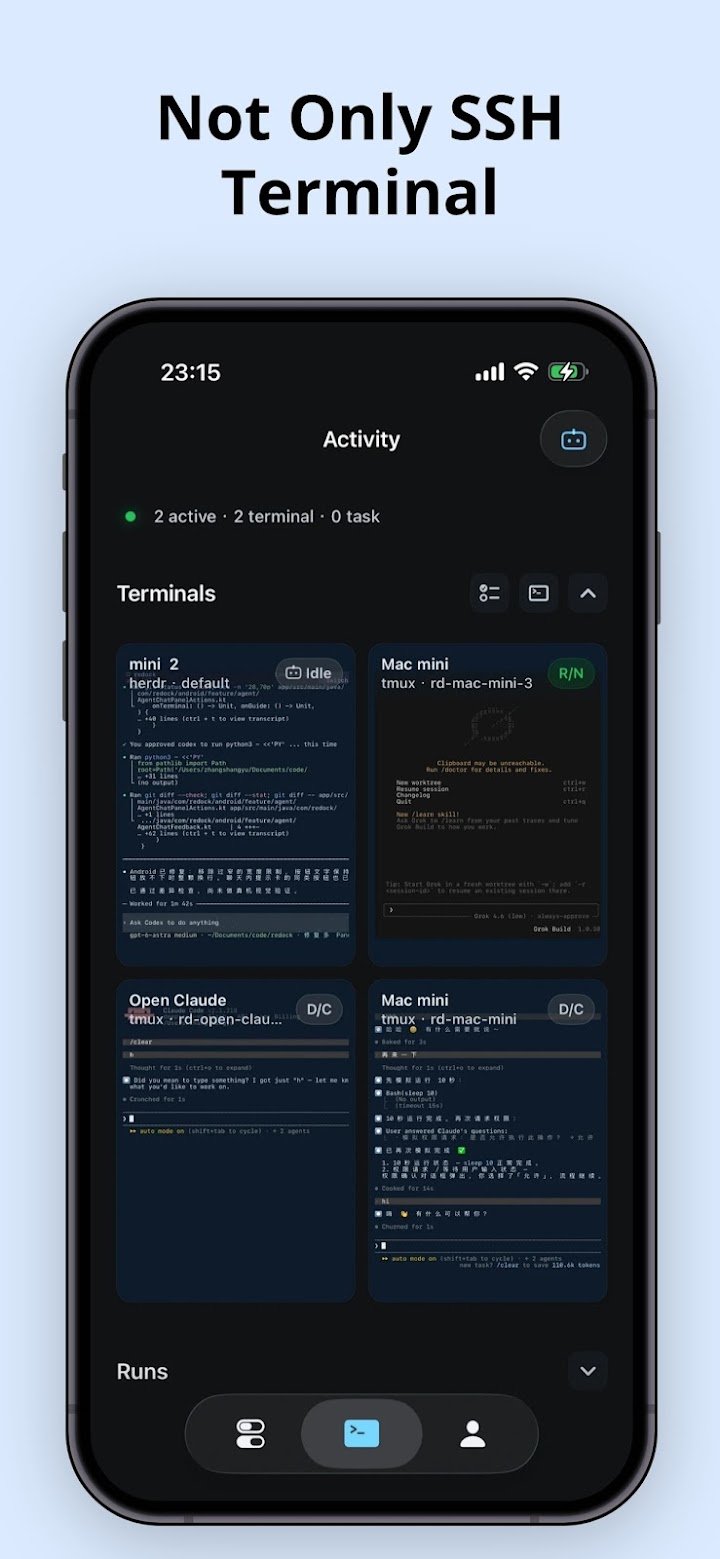
About Redock - SSH / Mosh Terminal
When you are away from your desk, Redock helps you reconnect to your own SSH host, return to the right project check what is running, and send the next command or prompt without opening your laptop.
- When to use it
When you are outside, on the couch, or in bed, you can use your phone to check a remote session, steer a coding agent, or continue a task.
Redock helps you reach the dev environment you already use and keep work moving.
- Why it is different
Projects and Actions reduce repeated typing and get you back to tasks faster.
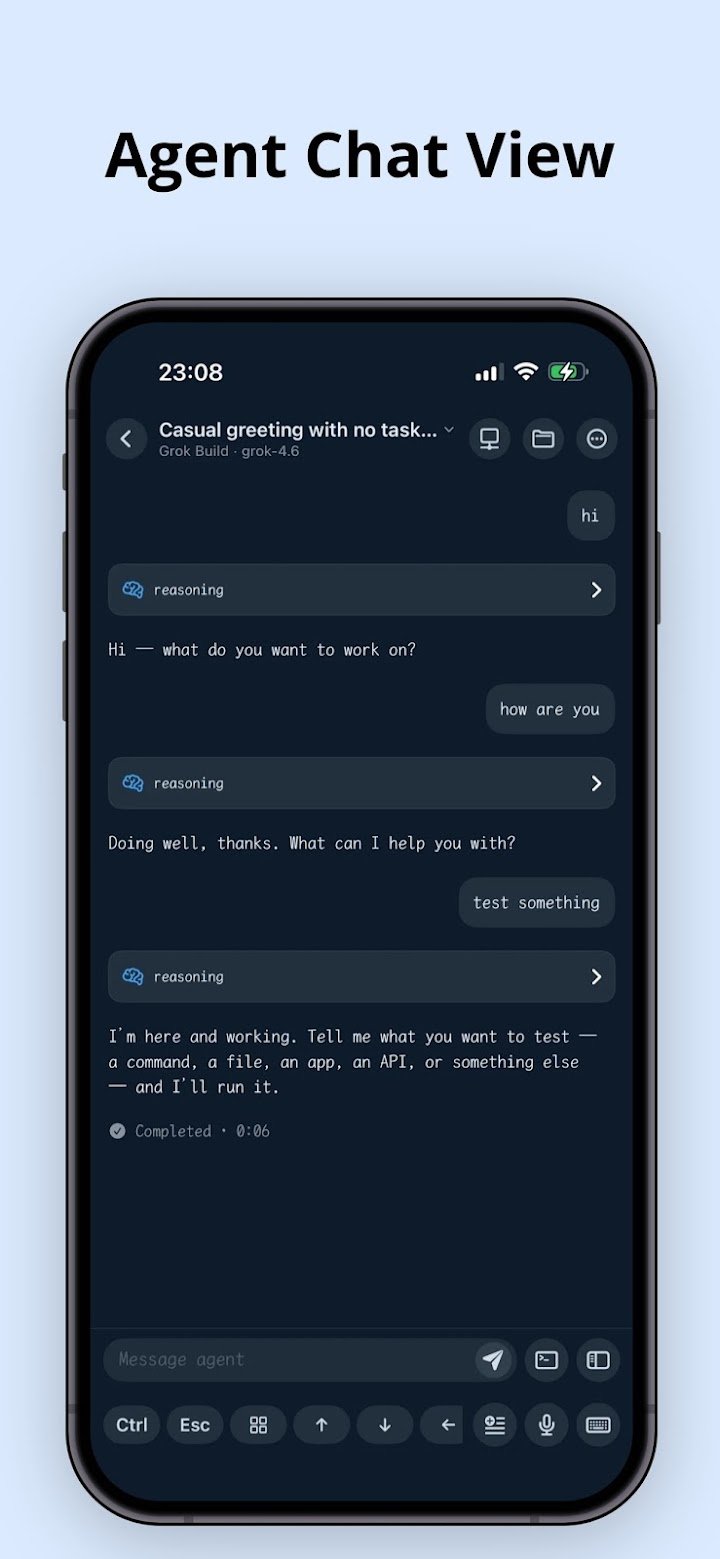
A dedicated Agent Chat View makes reading replies and sending prompts feel like chatting.
Agent notifications track task progress; usage queries support custom providers and data sources.
Native tmux and herdr support lets you resume sessions and manage herdr workspaces visually.
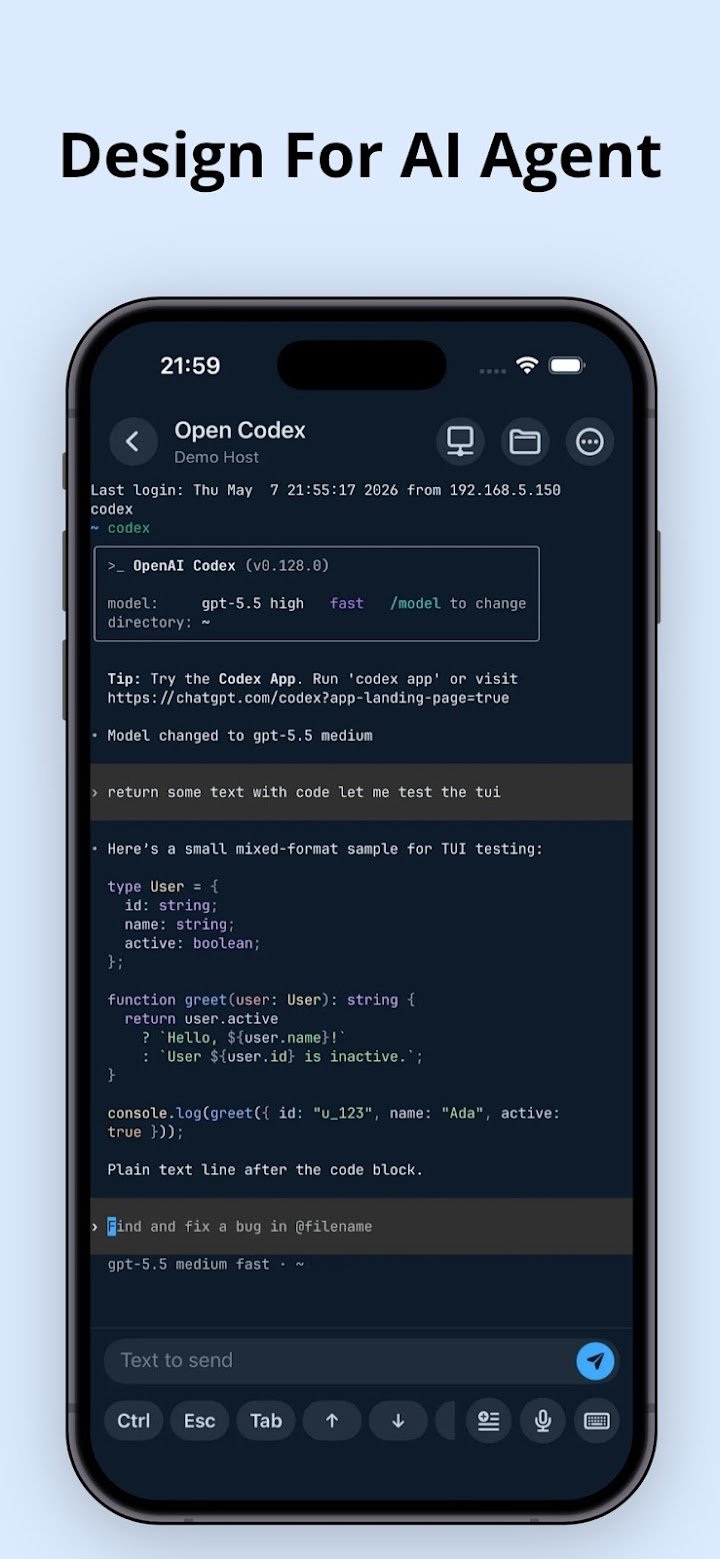
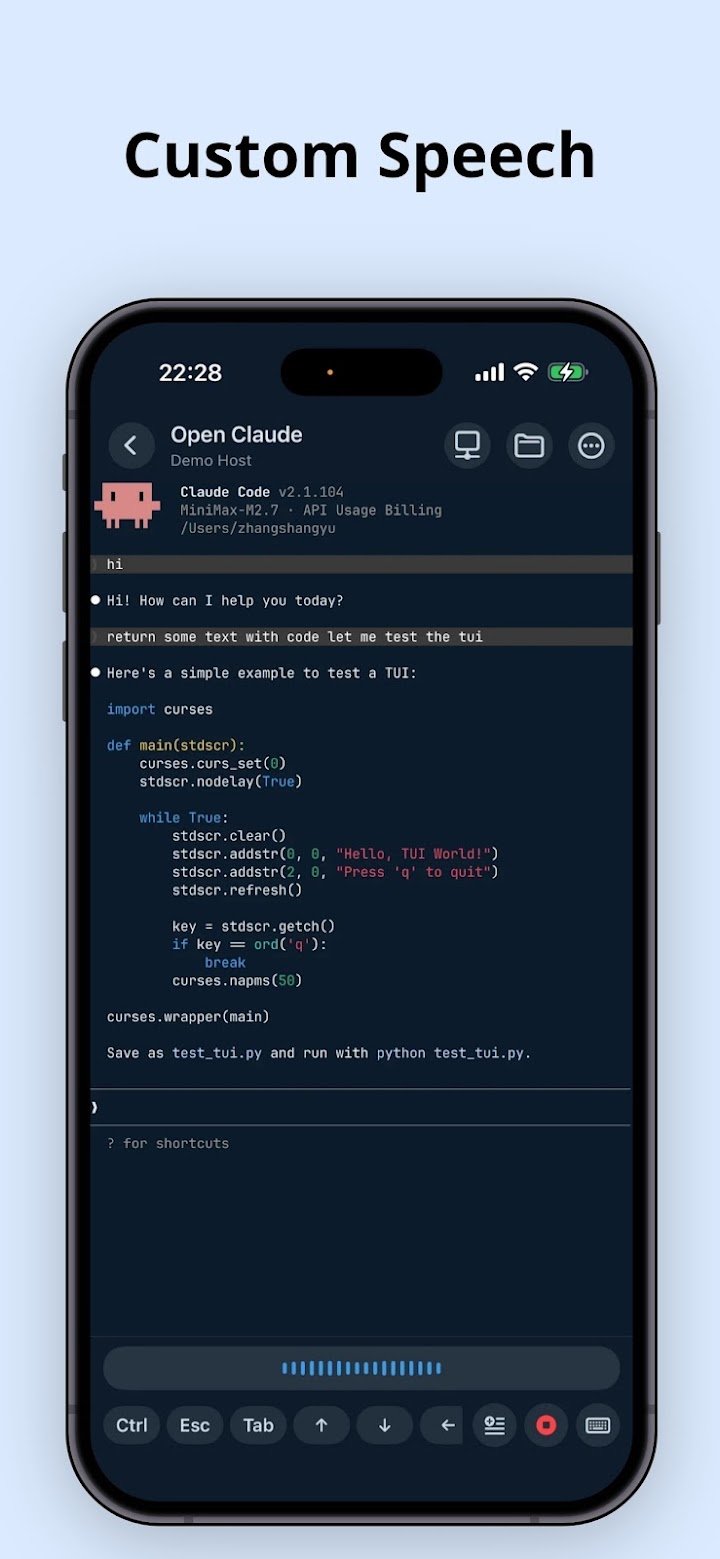
Agent TUI support brings smooth scrolling, CJK input, and voice input.
- How to start
Add a regular SSH host, choose your project context, and create shortcuts for commands you run often.
From there, Redock becomes a faster way to return to your workflow from mobile.
- Works with AI coding agents
Redock works well with terminal based AI coding tools such as Claude Code, Codex, OpenCode.
But it is not a hosted cloud IDE or a standalone AI coding app.
Your code, credentials, and commands stay in the environment you configure.
Terms of Use: https://redock.dev/terms