
- Developer
- Drivernator
- Installs
- 1+
- Downloads
- 0
- Views
- 2
- Updated
- Oct 16, 2026
Screenshots
About ZoneJournal
ZoneJournal records who used which shared vehicle, room or site, and for how long. A Bluetooth tag (beacon) on the zone, the app on the person's phone, and the journal writes itself. No forms, no start and stop buttons.
HOW IT WORKS
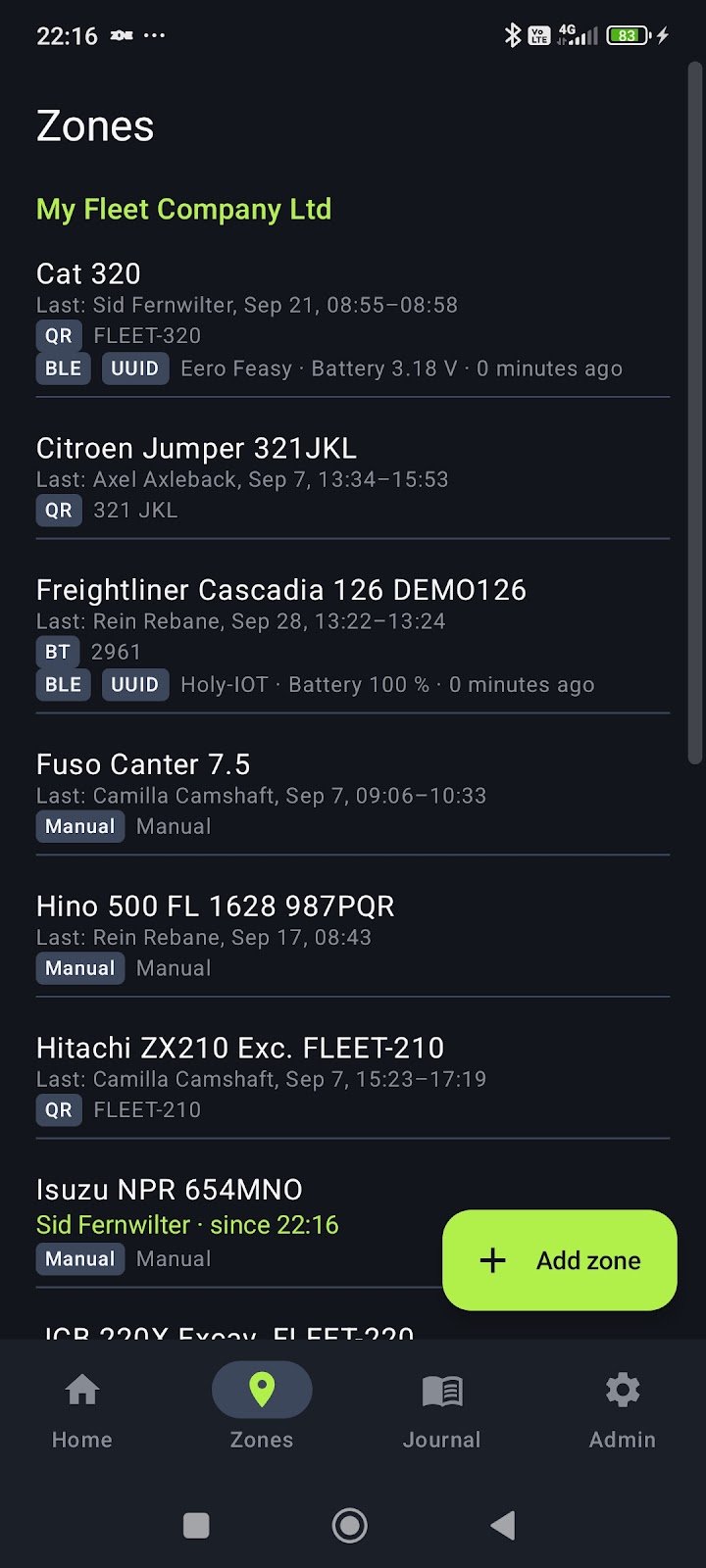
1. Register the zones. A zone is a vehicle or an area. Give each one a tag: a Bluetooth beacon, a paired Bluetooth device it already has, or a printed code label.
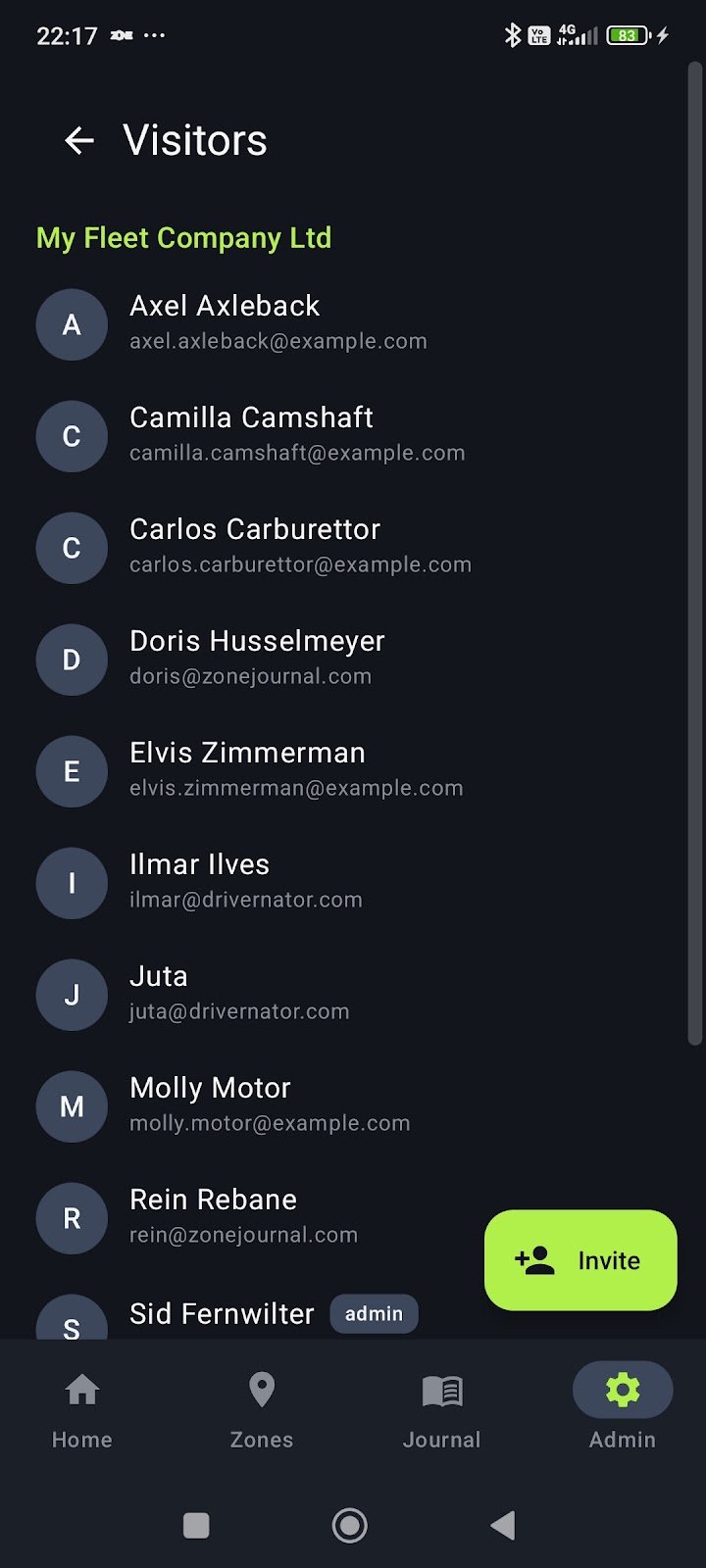
2. Invite the people. They install ZoneJournal, sign in and enter your invite code. That is the whole onboarding.
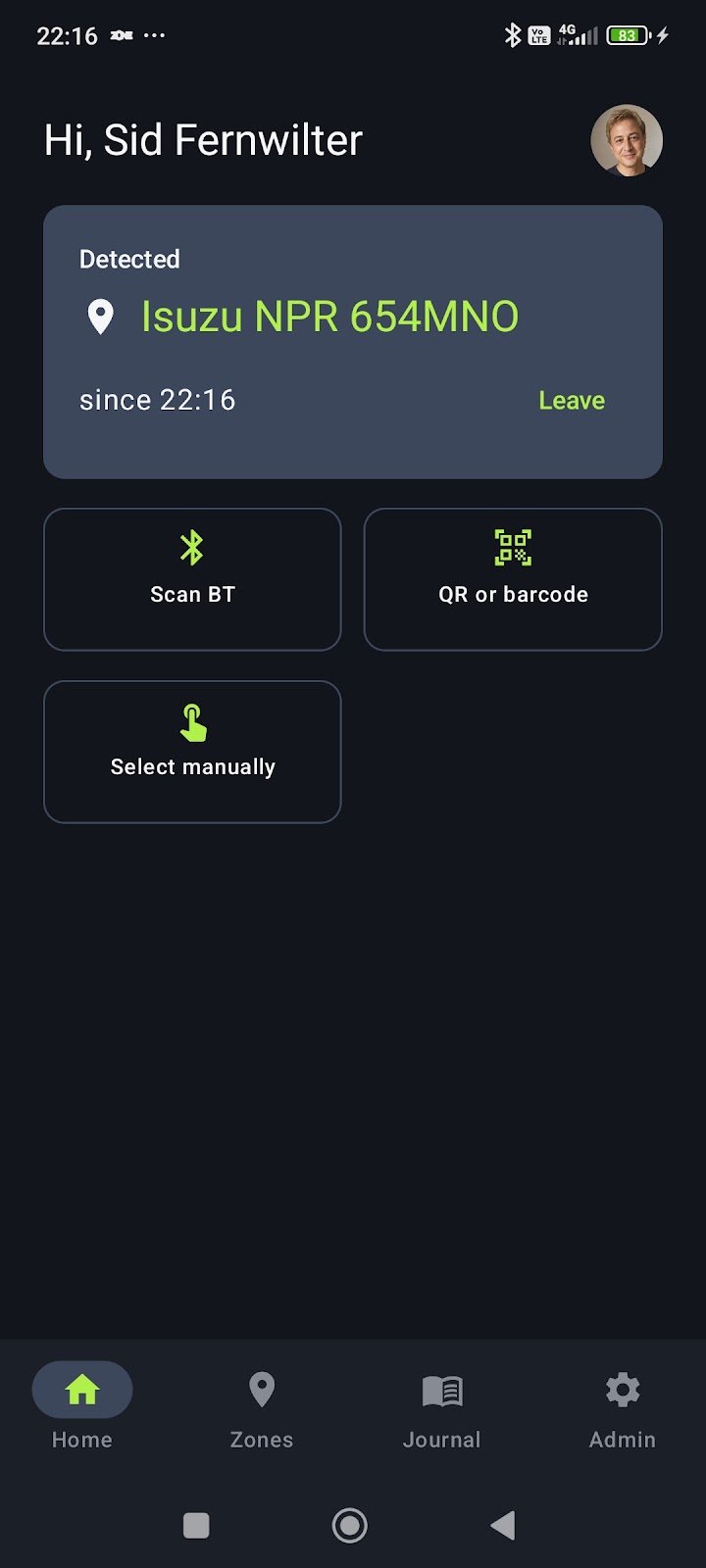
3. Go about the work. When a phone stays near a tagged zone for a few minutes, a visit begins. It ends when the phone stops hearing the tag, or when the person taps Leave. Screen off, phone in the pocket: it still works.
4. Read the journal. Every visit per zone and per visitor, with start and end times, and one tap to export it as a spreadsheet.
TWO KINDS OF ZONE
A vehicle holds one person at a time. A van, a forklift, a tractor, a loaner car: a new claim displaces the previous one, and the phone that holds it is asked first whether its person is still there.
An area records everyone who walks in. A meeting room, a workshop, a store, a site, a training space: visits overlap freely.
FOUR WAYS TO RECOGNISE A ZONE
- A standalone beacon. Bluetooth beacon costs a few euros, sticks to anything and runs for a year or more. Any brand, any format: the phone that registers it learns what its signal looks like.
- A Bluetooth device the zone already has. A vehicle's hands-free unit or infotainment: the visit begins when the phone connects and ends when it disconnects.
- A beacon the vehicle already broadcasts. Some newer vehicles advertise a Bluetooth signal of their own.
- A code label, or a pick from the list. For a zone with no radio, the visitor scans a QR code or barcode on it, or picks the zone from a list if the admin allows it.
FOR THE ADMINISTRATOR
See at a glance which zones are in use and by whom, which are free and who had them last, and which beacons need a new battery. Invite and remove visitors, make other admins, and export the journal whenever you need it.
FOR THE VISITOR
Install it once and forget it. The notification shows what the app is doing: listening, waiting for confirmation, or in a zone. Your own history is always in the Journal tab. Delete your account from the app whenever you like.
PRIVACY
ZoneJournal never reads the phone's position and stores no coordinates. It only recognises the tags your group registered; every other Bluetooth device around is ignored. Android asks for the location permission because Bluetooth scanning requires it, not because the app wants to know where you are. Codes are read on the phone; the camera picture never leaves it.
WORKS OFFLINE
No coverage in the basement store? Visits are kept on the phone and sent when the network is back.
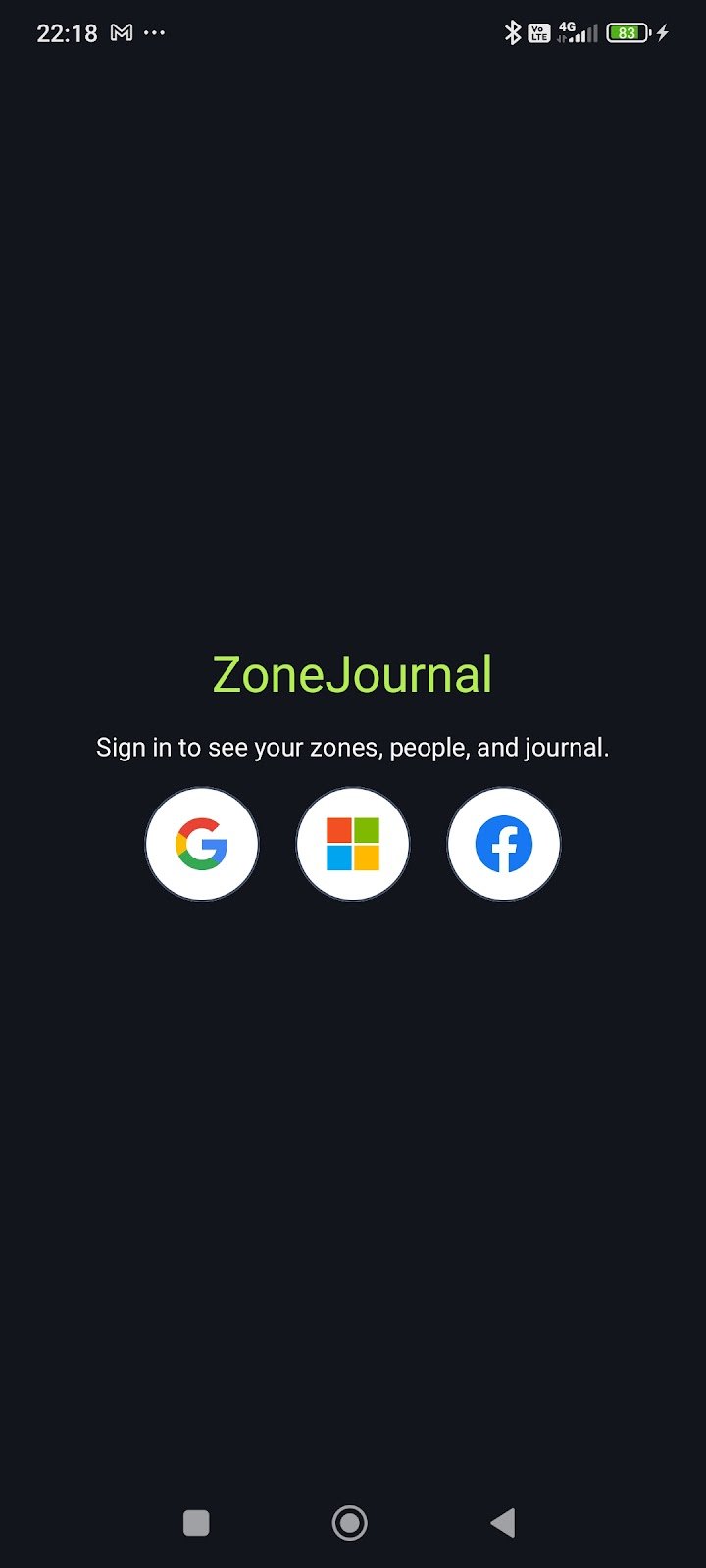
Requires Android 8.0 or newer and a Bluetooth Low Energy radio. Sign in with a Google, Microsoft or Facebook account.